
Unless you’re a major PC gamer, the best display that most of us have in our homes tends to be our TV. We put it in a place of pride, and it becomes the centre of our entertainment worlds. It’s also a system that many of us tend to underestimate in terms of interactive entertainment, with the exception of console Xbox and PlayStation fans.
But what if we’re outside of this range, and we’d like to enjoy some newer forms of entertainment on the big screen instead of on our laptops, tablets, or smartphones? What can we do, and what can we expect a TV not specially developed for interactive experiences to manage?
A TV’s Usual Firmware
A modern smart TV typically includes a capable hardware backing, filtered through an often not especially efficient software layer. What this means is that even though the smart TV tech in your device might be powerful, it’s rare for the TV’s operating system to grant you access to the full depth of the system’s potential.
This happens because TVs are designed as closed devices. They’re only meant to access a small range of software, and they’re not meant to go outside of this range. Any strange software can risk damaging the TV, or prevent brands like LG and Samsung from collecting your personal data, much to their own chagrin.
In other words, in order to get the most from our systems, we’re going to have to rely on outside connectivity.
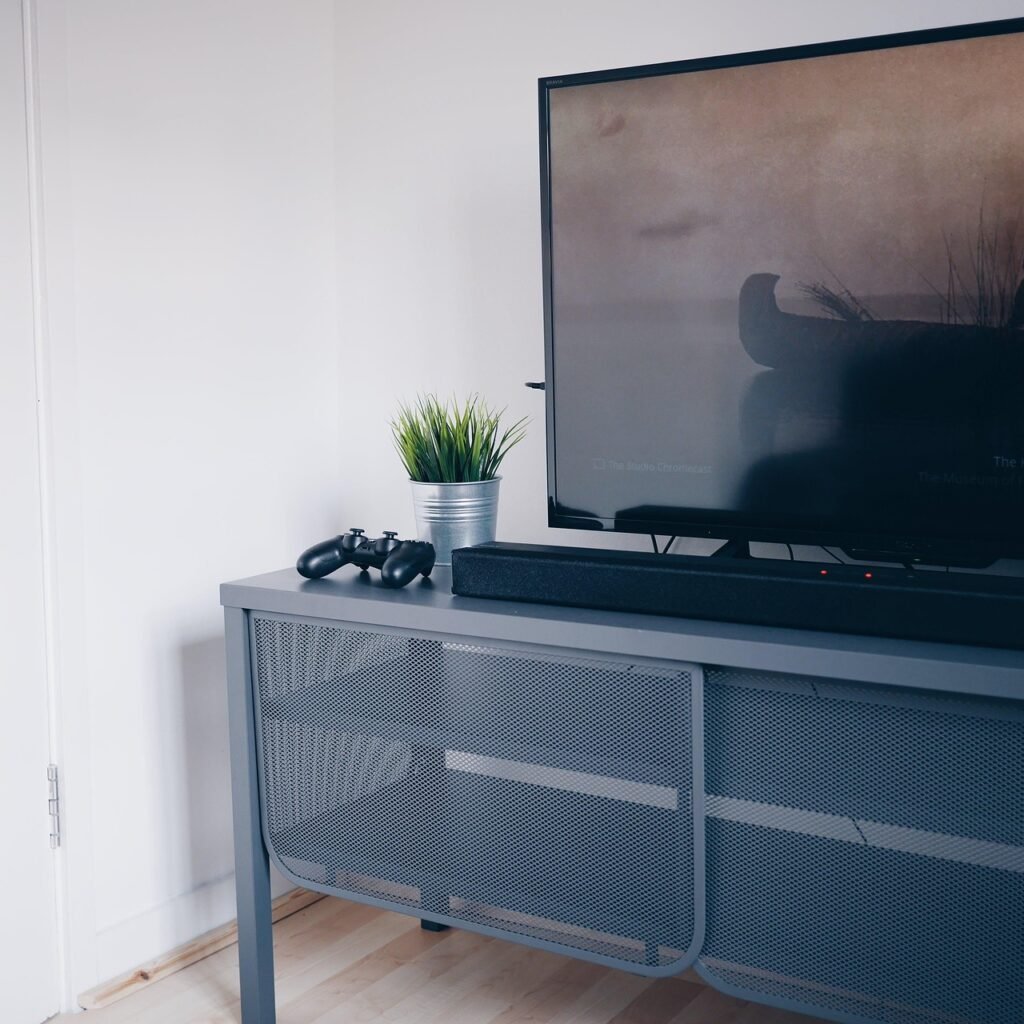
Connecting to Outside Sources
You have a couple of main options to connect to your TV, but first, we need to explore why you might want to do this in the first place. In short, playing on a TV can provide a highly engaging experience thanks to the bigger screen and improved audio.
If you’re a fan of Slingo slots like Cash Eruption or Fishing Bob, for instance, on a big screen, all the graphics will be even more impressive, and you’ll be able to share the excitement more easily with others, with games like slots traditionally being wholly single-player affairs. Then, crucially, if you do decide to play a true multiplayer game, a larger screen will make the experience much easier to appreciate for others in the room.
As for the connection part, the solution will depend on what device you’re connecting from. For smartphone and tablet users, your best bet is to find whatever version of screen mirroring programming your TV and phone support. This process is different for systems like Android and iOS, so Google search is your friend. You’ll also want to be plugged into the power when you do this, since screen sharing can use extra battery charge.
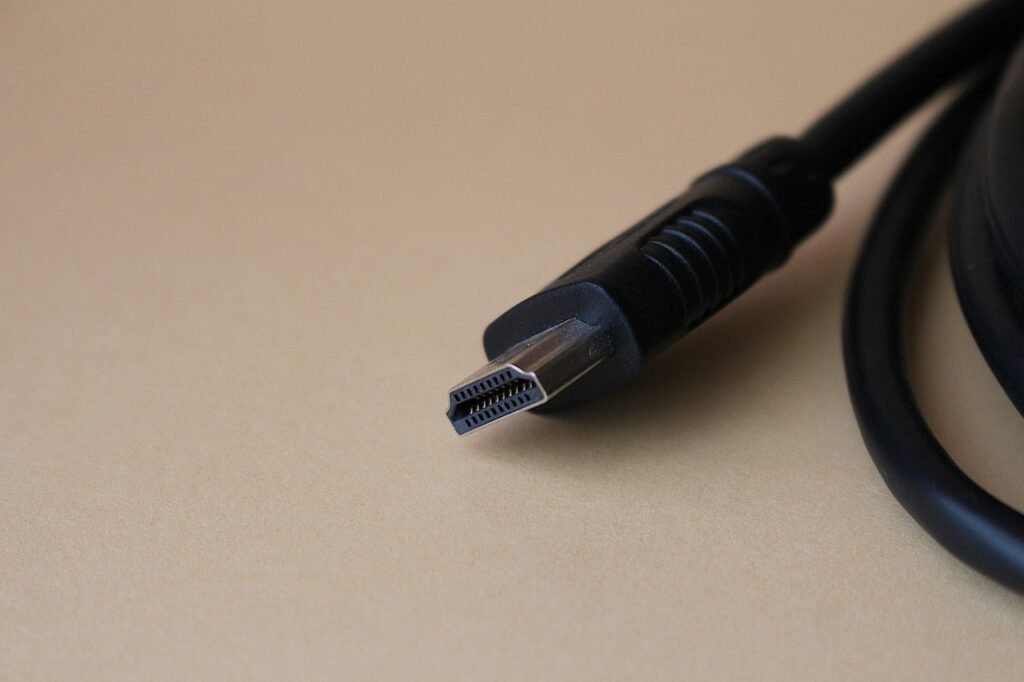
While laptops are also often capable of screen sharing, your best bet is to use an HDMI cable. These are more reliable and will deliver a better quality image. You might have to order a longer cable online if your TV is up high, but don’t worry about keeping the laptop on your actual lap.
The other part of laptop support comes from investing in a Bluetooth keyboard and mouse. This lets you use a laptop from anywhere in the room, essentially letting your TV act like a secondary monitor. Make sure you turn on your TV’s game mode function to reduce latency, change your TV input to the right HDMI selection, and you’re ready to go.
Using your TV as a screen for devices that weren’t made with this kind of functionality in mind does require a little work, but the benefits are often worth the effort. Whether you want to play a few slots on a big screen or take turns in a platform game with a few buddies on a Friday night, there’s a huge amount of potential here; it’s only up to your imagination and taste. Just remember to put everything back to normal after you’re done if you share the TV with others.
Read More on Birmingham Journal
